A Sandbox For All
I encourage you to use this project to explore the capabilities of Claude Code. The master branch is protected, so you can’t break anything.
Now we both have a sandbox project!
First do this:
curl -fsSL https://claude.ai/install.sh | bash
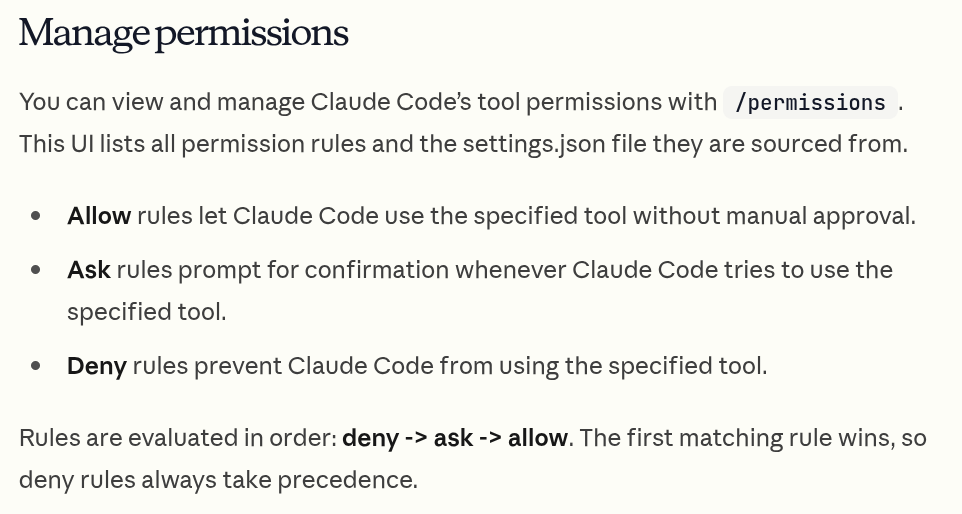
A quick word on Claude Code permissions :
Now do this:
git clone git@github.com:DukeOfEtiquette/DukeOfEtiquette.github.io.git && \
cd DukeOfEtiquette.github.io && \
claude
And finally, submit this prompt:
What git flow does this project use? What tech stack is used? How do I build and run this project locally? What content is coming up?
What’s the goal?
My goal is to build out and manage the blog using Claude Code, while writing the content of all blog posts “by hand”. As I find opportunities to extend the claude integrations within this project, I’ll document the how and why along the way.
Along the way, I hope to validate/document my learning, while sparking curiosity in others to give these new tools a shot.
Join me!
On the next episode…
Next time, I’ll take a look at the basics of saving “memories” for claude from session to session.
Also, try out this prompt:
What visual easter eggs are in this blog?
Helpful command(s)
/exitto exit the REPL
Helpful link(s)
- Quick Start Guide: https://code.claude.com/docs/en/quickstart
- Claude Code permissions: https://code.claude.com/docs/en/permissions
- Blog repository: https://github.com/DukeOfEtiquette/DukeOfEtiquette.github.io